
Moving your site from Wix Editor to Wix Studio may look like a design decision at first. Studio gives you more layout control, better responsive behaviour, and a smoother workflow, so it is easy to focus only on how the new site will look.
But the bigger risk is what happens to the search visibility your current site has already earned.
Google already understands your existing pages, URLs, content, links, and ranking signals. If the migration is not planned properly, a rebuild can disturb all of that and affect your rankings, traffic, tracking, and trust.
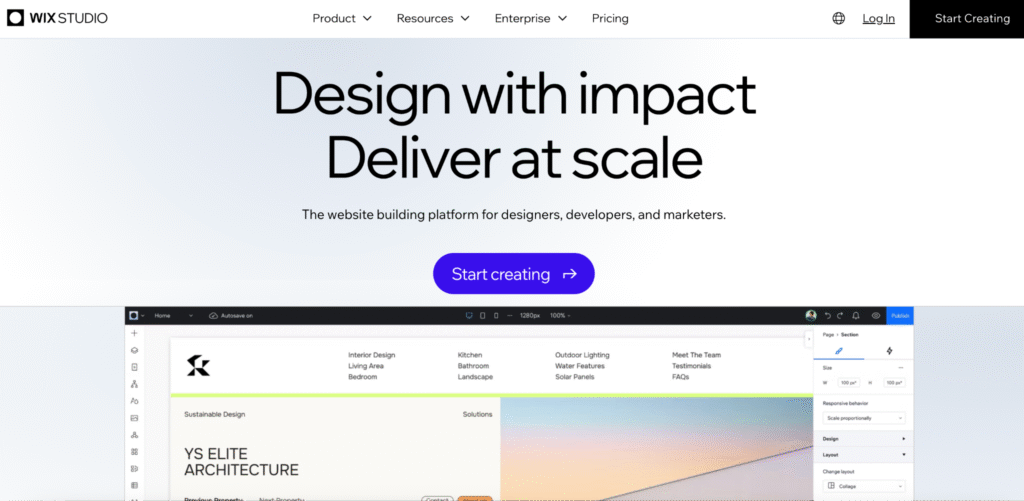
This Wix Studio Guide treats the move as a controlled SEO migration. It covers what changes between the two builders, what can break, what you need to protect, and how to audit, rebuild, check, and monitor your site before and after the move.
Wix Studio can support strong SEO. The goal is not to avoid the move, but to make sure your new site improves what comes next without losing what already works.
What Changes When Moving from Wix Editor to Wix Studio?
Wix Studio is a separate building environment with its own approach to layout, responsiveness and site management.
That matters for your SEO, because a new environment usually means your site is rebuilt rather than copied. Looking at Wix Editor vs Wix Studio at this level is more useful to you than comparing them feature by feature.
Here is what tends to change:
- Layout and structure: Studio uses a different responsive system built on flexible sections and grids. Your page structure, heading order and content hierarchy can shift during a rebuild if you do not protect them.
- Responsive behaviour: Studio handles breakpoints differently from the Editor’s separate mobile view. Content you hid, reordered or duplicated on mobile may behave differently, which changes what Google sees.
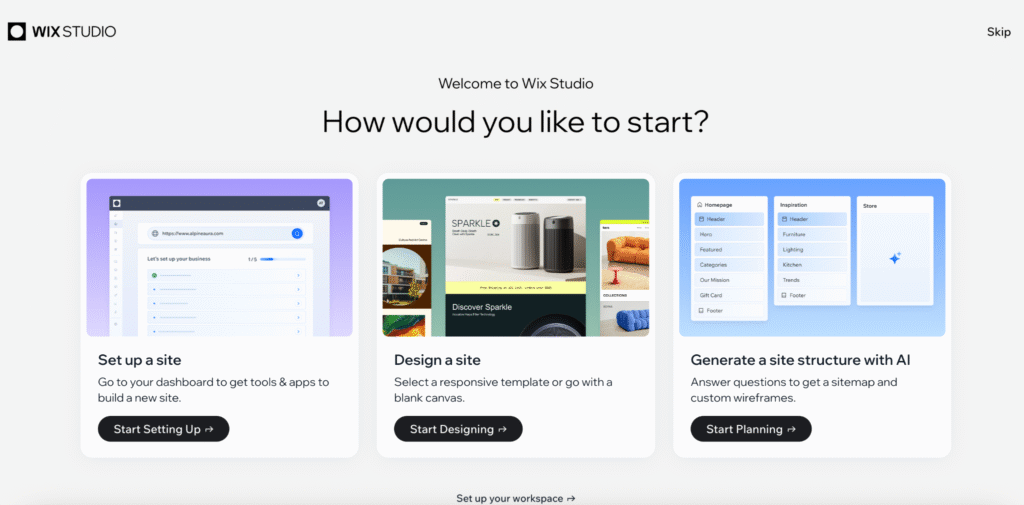
- Workflows and components: Studio gives you reusable components and a more agency-style workflow. This helps you over the long term, though it changes how your pages are put together.
- SEO implementation: your page-level SEO settings, structured data and redirects exist in both, but you need to check and reset them in the new build rather than assume they carry over.
The key point is that a Wix Studio Migration is rarely a one-click copy. In most cases your site is recreated, and that is where your SEO signals are most exposed. This guide is also not a Wix Studio Tutorial in the click-by-click sense.
Before you start, check inside your own Wix account how your specific site will be moved, since the exact process can vary by your site setup, plan and how your original Editor site was built. The Wix Help Center is your reference for the current, account-specific steps.
Why SEO Migration Planning Matters
Search engines reward consistency. When your site changes address, structure or content signals without clear direction, Google has to relearn it, and relearning takes time.
During that period, your rankings can wobble, impressions can dip and traffic can soften. Planned migrations usually recover. Poorly planned ones sometimes do not, or they take far longer than they should.
The risk is rarely your new design. It sits in the gap between what Google understood about your old site and what it can understand about your new one.
Good Wix SEO during a migration is mostly about closing that gap: keeping your URLs stable where you can, redirecting them cleanly where they must change, preserving your content and metadata, and signalling the move clearly through your sitemap and Search Console.
Handled this way, your Wix Migration becomes manageable. The goal is to rebuild your site without confusing users, search engines or your analytics. This is also why Wix Studio SEO during a migration works best as a staged project rather than a single launch day, with solid technical SEO underneath it.
Pre-Migration SEO Audit
Before you touch the new build, document what your current site is and how it performs. A migration without a baseline is impossible to check, because you have nothing to measure your new site against.
A practical pre-migration Wix SEO audit gives you:

- Crawl your current site: capture every indexable URL, with its title tag, meta description, headings, status code and internal links.
- Export your full URL list: this becomes your master reference for URL mapping and redirects later.
- Record your metadata: save your current titles and meta descriptions so you can match them in the new build.
- Identify indexable pages: note which pages are indexed, which you exclude on purpose, and which are thin or low value.
- Capture your rankings: record your keyword positions and the pages that earn them, so you can see any movement after launch.
- Map your high-value pages: flag the pages that drive your most organic traffic, leads or revenue. These deserve the most protection.
- Document your tracking: note your current GA4 setup, Search Console data, conversion events and any tags.
This audit is the single most useful thing you can do. It turns your plan to Migrate Wix Editor to Wix Studio from guesswork into something you can measure.
URL, Metadata and Redirect Planning
Your URLs are among the most fragile SEO assets in any migration. Every indexed URL carries signals you have built up, and changing one without a redirect can cut them off.
Your first principle is restraint. Keep your URLs the same wherever you can. Unnecessary URL changes create avoidable risk, and a migration is rarely the right moment to also restructure your site.
Where your URLs must change, plan the move carefully:
- Map old to new: build a redirect map that pairs every old URL with its new home. Your exported URL list is the starting point.
- Use permanent redirects: point each changed URL to its new equivalent with a 301 redirect, so the signals pass through. Google’s guidance on site moves with URL changes is your reference here.
- Match intent, not just paths: redirect each old page to its closest match. Bulk redirects to your homepage are treated as soft 404s and waste the signals you are trying to keep.
- Preserve your metadata: carry your title tags and meta descriptions across on purpose. If you improve them, do it as a decision, not by accident during the rebuild.
- Test before launch: check that every redirect lands on the right page with the right status code.
- Do Wix URLs change during migration? They do not have to. You can configure URL slugs in both Wix Editor and Wix Studio, so the safest move is to keep your existing slugs and only change them with a redirect plan in place.
Content, Blog and Dynamic Page Considerations
Your content is what search engines actually rank, so it needs to move across intact.
For your standard pages, protect the text, headings and internal links that already earn you visibility. A redesign can quietly drop body copy, reorder headings or strip internal links, and each of those weakens the page.
Your blog deserves special care. Posts often bring a big share of your long-tail traffic, and their URLs, publish dates, authorship and internal links all carry weight. A considered content strategy treats each post as an asset to protect. Confirm that your blog content that drives real traffic moves across with its URL, body and metadata intact.
Dynamic pages and CMS collections add another layer. If you use Wix CMS collections to build dynamic pages, check how those collections and their URL patterns are rebuilt in Studio, since dynamic page URLs and templates can change when the collection structure is rebuilt.
Across all your content, review:
- your internal links, so they point to the new pages, not old or broken ones
- your heading structure, so the H1 and subheadings stay logical
- your image alt text, which is easy to lose when you re-add images in a new build
- thin or duplicate pages, which a migration is a good chance to consolidate or improve
Strong content is one of the few assets that travels well between platforms, as long as you move it on purpose.
Technical SEO Checks Before Launch
Before your new Wix Studio site goes live, run a technical review against the baseline from your audit. Aim for parity first, improvement second.
Check the following:
- Title tags and meta descriptions: confirm each page has the title and description you want, matched against your audit export.
- Canonical tags: make sure your canonicals point to the right preferred URLs and do not accidentally point pages to your homepage or to staging URLs.
- Robots and indexing: confirm your important pages are indexable and that no “noindex” or “block search engines” setting was left on from the build. A site accidentally left blocked at launch is one of the most damaging and most common mistakes.
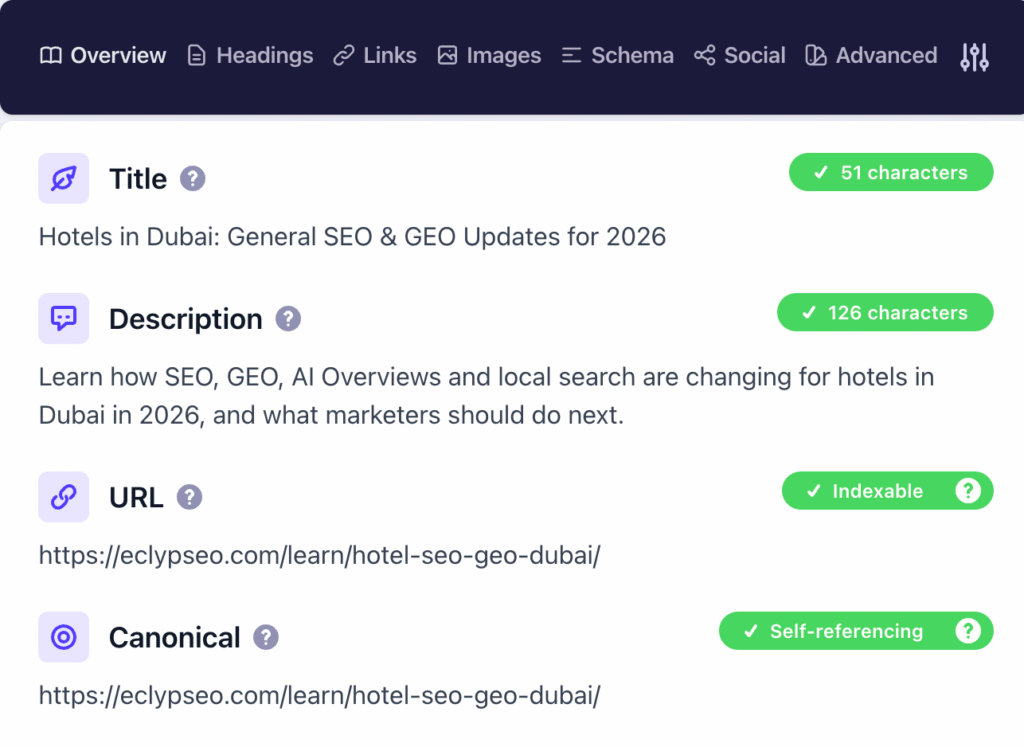
- XML sitemap: confirm your sitemap generates correctly and lists the live URLs you want indexed.
- Structured data: re-check your schema, since you often need to reapply it in a new build. Google’s introduction to structured data shows which types are eligible for rich results.
- Mobile usability: review how your pages render across Studio’s breakpoints, since responsive behaviour differs from the Editor.
- Core Web Vitals and page speed: measure loading, interactivity and visual stability on your new build, since a heavier design can affect these scores. Google’s page experience documentation explains what it looks at.
Treat launch readiness as a checklist, not a feeling. If you cannot confirm a check, you are not ready.
Tracking, Analytics and Search Console Setup
A migration can break your measurement as easily as your rankings, and broken measurement hides every other problem.
Before and after launch, confirm:
- GA4: your tracking tag is on the new site and recording sessions.
- Google Search Console: your property is verified for the live site, so you can watch indexing, coverage and performance.
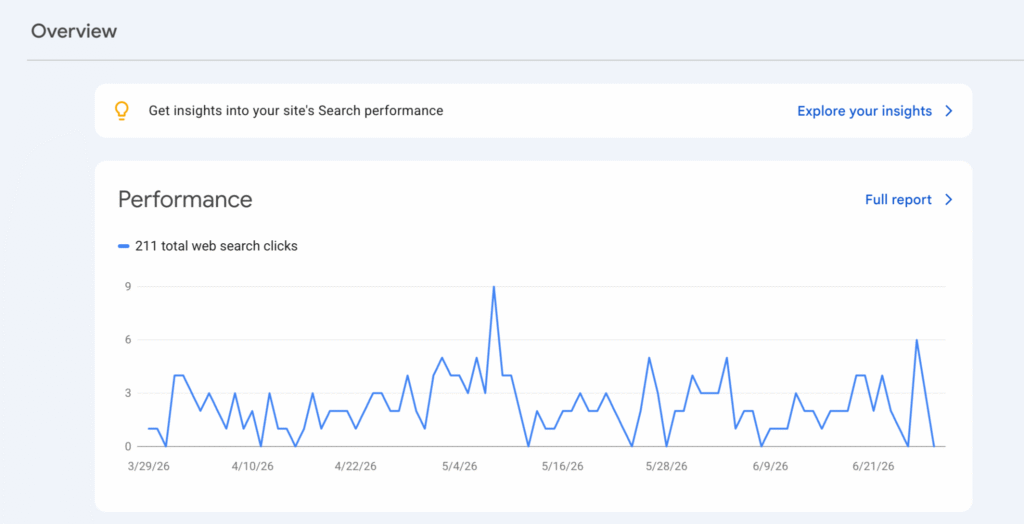
- Google Tag Manager: if you use it, confirm your container is installed and firing.
- Conversion tracking: check that your goals, purchases or lead events still record after the rebuild, since conversion tracking is easy to disconnect during a move.
- Form submissions and events: re-test your contact and enquiry forms and any custom event tracking.
Validate your tracking on the live site right after launch, not days later. Google Search Console and Google Analytics are your references for confirming the site is verified and recording correctly.
If your analytics break silently, a drop in conversions can look like an SEO problem when it is really a tracking problem, and you fix the two in very different ways.
Post-Migration SEO Checks
Launch is the midpoint of your migration, not the end. Your first days and weeks after going live are when issues show up and when fast fixes matter most.
Right after launch:
- Crawl comparison: re-crawl your live site and compare it against your pre-migration crawl, looking for missing pages, broken links, changed titles or unexpected redirects.
- Indexation checks: confirm your key pages are being indexed and that important ones are not dropping out.
- Redirect testing: re-test your full redirect map on the live site, since staging and production can behave differently.
- Sitemap submission: submit your updated XML sitemap in Search Console so Google can find your new structure.
- Ranking monitoring: track the keywords and pages from your audit, and accept that some short-term movement is normal.
- Traffic checks: watch your organic sessions in GA4 against your previous baseline.
- Fix errors quickly: deal with crawl errors, broken redirects and indexing issues as soon as they appear, since how fast you respond affects recovery.
How long does it take Google to process a site migration?
It depends on your site size and how often Google crawls you, but it commonly takes several weeks to fully recrawl and settle. Some movement during that window is normal and not, on its own, a sign that something failed.
Final SEO Migration Checklist
Use this as your working SEO migration checklist for any Wix Editor to Wix Studio move.
Before migration
- Crawl and export all your current URLs, titles, meta descriptions and headings
- Record your current rankings and identify your high-value pages
- Document your GA4, Search Console and conversion tracking
- Capture a baseline of your organic traffic
During the rebuild
- Keep your URLs the same wherever you can
- Build a complete old-to-new redirect map for any changed URLs
- Preserve your content, headings, internal links and image alt text
- Recreate your page titles, meta descriptions and canonical tags
- Reapply your structured data
- Check that no pages are accidentally set to noindex
Before launch
- Verify your indexing settings and robots configuration
- Confirm your XML sitemap is correct
- Test all your redirects and status codes
- Review your mobile rendering and Core Web Vitals
- Confirm your GA4, Search Console and tag tracking are in place
After launch
- Re-crawl and compare against your pre-migration baseline
- Submit your updated sitemap in Search Console
- Confirm indexation of your key pages
- Monitor your rankings and organic traffic
- Fix crawl, redirect and indexing errors promptly
Common Questions About Wix Studio Migration
These are the questions site owners ask most before a move. Clear, direct answers also make your guide easier for AI search engines to summarise and cite.
Can you migrate from Wix Editor to Wix Studio without losing SEO?
Yes, if you plan it. Keep your URLs, redirect any that change with 301s, carry your content and metadata across, reapply your structured data, and confirm your tracking. Lost visibility usually comes from skipped steps, not from the platform itself.
What should you check before moving to Wix Studio?
A full crawl and URL export, your current titles and meta descriptions, which pages are indexable, your current rankings, your highest-value pages, and your analytics and tracking setup.
Do Wix URLs change during migration?
They do not have to. You can configure slugs in both builders, so keep them stable and only change them with redirects in place.
What SEO settings should you review after publishing in Wix Studio?
Your indexing and robots settings, title tags and meta descriptions, canonical tags, the XML sitemap, structured data, redirects, and analytics tracking.
How long does it take Google to process a site migration?
Often several weeks to fully recrawl and settle, depending on your site size and crawl rate. Some short-term movement is normal.
What This Means for Your Migration
A move from Wix Editor to Wix Studio can be a real upgrade for you. Better design control and cleaner responsiveness are genuine benefits, and Wix Studio SEO can be strong when you handle the build well.
Your outcome depends on your approach. Run the migration as a design project alone and you carry avoidable risk. Run it as a controlled SEO project, audited before, controlled during, checked before launch and monitored after, and you protect the visibility your site has already earned.
Wix Studio can improve what comes next, but only if you protect what already works.
That is the idea behind treating your move as an SEO risk management exercise rather than a redesign. You want to move without confusing users, search engines or your analytics, so your new site keeps the rankings and traffic your old one worked for.
Planning Your Migration
If your organic visibility, leads or revenue depend on your current site, it is worth approaching your Wix Studio Migration with a proper SEO migration plan rather than hoping the signals carry across on their own. EclypSEO works with businesses and agencies to audit, map and monitor migrations so your rankings are protected through the move. If you are planning the switch and want a second set of eyes on the SEO side, we are glad to help.